
How to make a 3D game
How to make a 3D game, from choosing a 3D game creator to modelling, lighting and testing. Includes free 3D game makers and practical tips for beginners.
The short answer
To make a 3D game, choose a 3D engine such as Unity, Unreal Engine or Godot. Block out your level in simple shapes, then add models, lighting and sound.
3D takes more work than 2D, so start with one small level.
2D or 3D for your game?
2D games are faster to build and easier to draw. 3D games give depth, camera freedom and a stronger sense of space.
If 3D is not central to the idea, a 2D game may be the better first project.
Choose a 3D game engine
Unity is popular for 3D games on mobile, PC and VR. Unreal Engine leads in photoreal 3D and offers visual Blueprints.
Godot is a free, open-source option that keeps improving for 3D.
Free 3D game makers
Unity's free plan, Godot and Unreal Engine all let you make 3D games without upfront cost. Browser tools such as PlayCanvas run in a web page.
Simple 3D game creator apps exist for phones, but they limit what you can build and publish.
Plan the camera and controls
Decide early between first-person, third-person or top-down views. The camera shapes every level and control.
Make movement feel good before anything else, because players feel it every second.
Block out the level
Build the level with grey boxes first to test scale, routes and difficulty. This is called greyboxing.
Walk through it in the game. Fix layout problems now, while changes are cheap.
3D models and assets
3D models come from modelling tools such as Blender, or from asset stores. Keep a consistent style across every object.
Watch polygon counts and texture sizes, especially for mobile and VR.
Lighting and materials
Lighting sets the mood of a 3D game more than any single model. Baked lighting looks good and runs fast on weaker devices.
Materials define how surfaces look, from metal and wood to water and glass.
Physics and animation
Engines include physics for gravity, collisions and objects that fall or roll. Use it, but test that it behaves the same every time.
Characters need animations for walking, jumping and actions. Asset stores and free motion libraries help beginners.
3D game design basics
Good 3D game design guides players with light, colour and shape, not just signs. Players look where the level leads them.
Give each area a clear purpose and a landmark players can recognise.
Performance in 3D games
3D games must hold a steady frame rate. Profile the game, find what is slow and simplify it.
Common fixes include fewer lights, smaller textures and combined meshes.
Testing your 3D game
Watch new players move through the level. Note where they get lost, stuck or bored.
Test on the weakest device you plan to support, not just your development computer.
From 3D games to VR
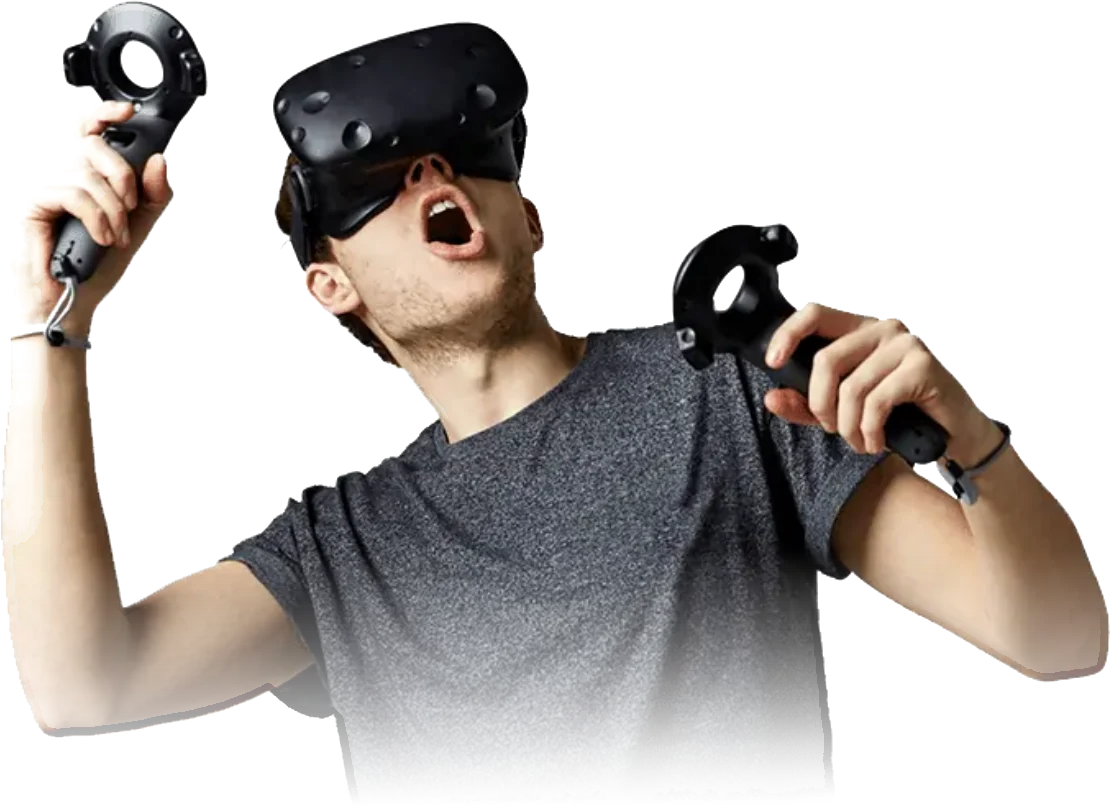
A 3D game can become a VR game, but comfort rules change everything. The camera must never move without the player's input.
Frame rates must stay high, and menus must sit in the 3D world.
3D games for business
Brands use 3D games for product launches, events and training. A 3D game can show a product from every side.
Culenz builds 3D and VR games in Unity and Unreal Engine for organisations in India and abroad.
Sound in a 3D world
3D sound changes with distance and direction, so players can locate enemies or objects. Engines handle this with spatial audio.
Good sound makes a 3D world feel real.
Interface for 3D games
Keep menus and health bars simple, so they don't block the view. In VR, menus should sit inside the 3D world.
Test text size on the smallest screen you support.
Saving and loading progress
Players expect to continue where they stopped. Save progress at checkpoints or at the end of each level.
Test saving on every platform, because file locations differ.
Where to start today
Install a free engine, follow its first 3D tutorial and build one small level. Then add a goal, a score and a finish.
Share it with friends and improve it from their feedback.
Frequently asked questions
Which 3D game creator suits beginners?
Unity is a common starting point, with many beginner tutorials and assets. Godot is free and light, while Unreal Engine suits photoreal visuals. Try two engines briefly and keep the one that feels clearer.
Can I make a 3D game for free?
Yes. Godot is free and open source, Unity has a free plan, and Unreal Engine is free to start. Blender is free for 3D models, and many asset packs cost nothing.
How hard is it to make a 3D game?
Harder than 2D, because you handle models, cameras, lighting and performance. Starting with one small level and simple shapes makes it manageable for beginners.